Canva adds a switch that lets users turn off its generative AI features
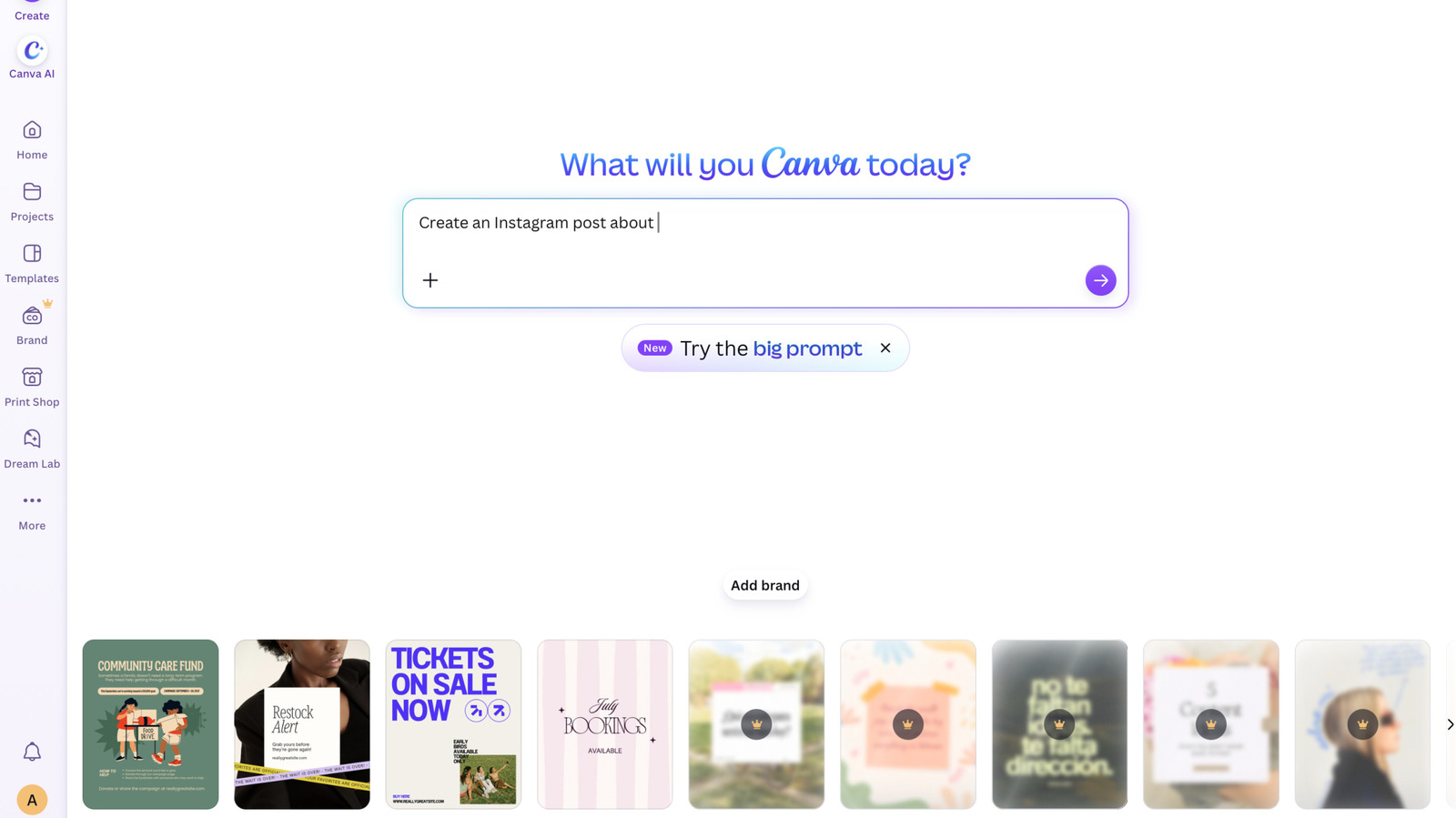
Free and Pro users can disable tools such as Magic Expand and chatbot image generation, and reduce AI-made images in the library; Background Remover and Magic Grab stay on.
Why it matters
Canva has added many AI tools over the past year, and this is one of the clearest opt-outs from a major consumer design platform. The main toggle sits under permissions as "Enable generative AI features"; a second setting reduces, but does not fully block, AI-generated images in library searches, Engadget reports. Canva keeps Background Remover and Magic Grab on because they "make everyday tasks faster without generating anything new", it told The Verge. What to watch: how many users switch it off and whether rivals add similar controls.
Key facts
- Toggle: "Enable generative AI features", under permissions
- Available to free and Pro users
- Turns off tools such as Magic Expand and chatbot image generation
- Second setting reduces AI-generated images in the library
- Background Remover and Magic Grab stay on